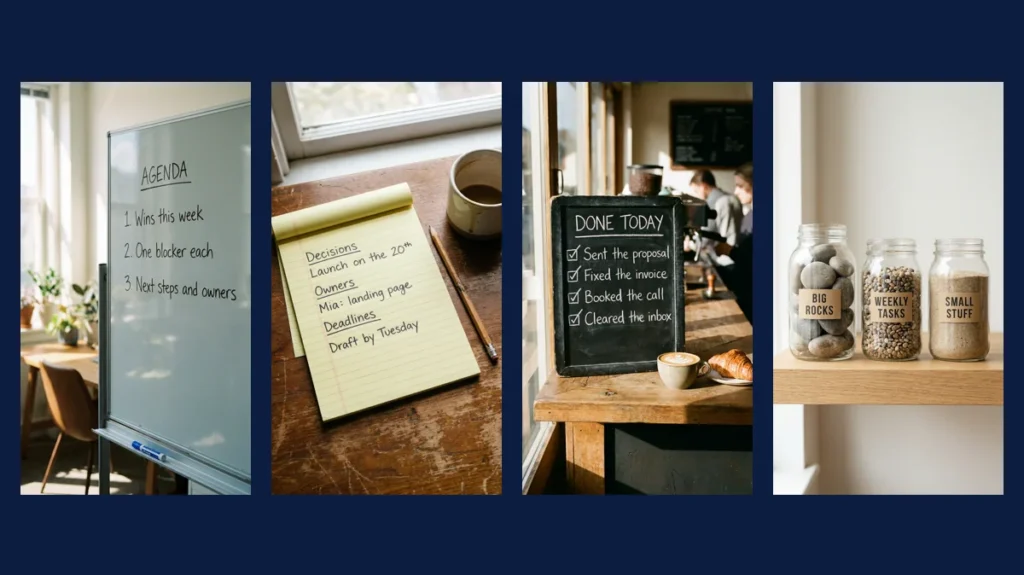
The AI images that work best in a presentation are rarely abstract art. They are familiar objects carrying one short message: a whiteboard agenda, a chalkboard list, a labeled jar. Newer image models such as Nano Banana Pro, the name Google uses for its Gemini 3 Pro Image model, render short text well enough to make this style practical.
We ran the seven prompts below ourselves on CinAI. Every image is the unedited result. Under each one you will find the full prompt, why it works and the one change that makes it fit your own slides or team update.
All images in this article were generated by us with Nano Banana Pro on CinAI in November 2026 and are shown without editing. The same prompt can produce a different image on another run.
How to use these prompts
- Copy the prompt as it is and run it once, so you know what a good result looks like.
- Change only the words inside quotes. Keep each line under five words.
- Change the format at the end: “wide 16:9” for most slide templates, “vertical 9:16” for stories and short videos. Our examples are vertical.
- If a word comes out misspelled, shorten the text and run the prompt again instead of adding more instructions.
Agendas and meeting notes
A meeting agenda, written in marker on a glass board
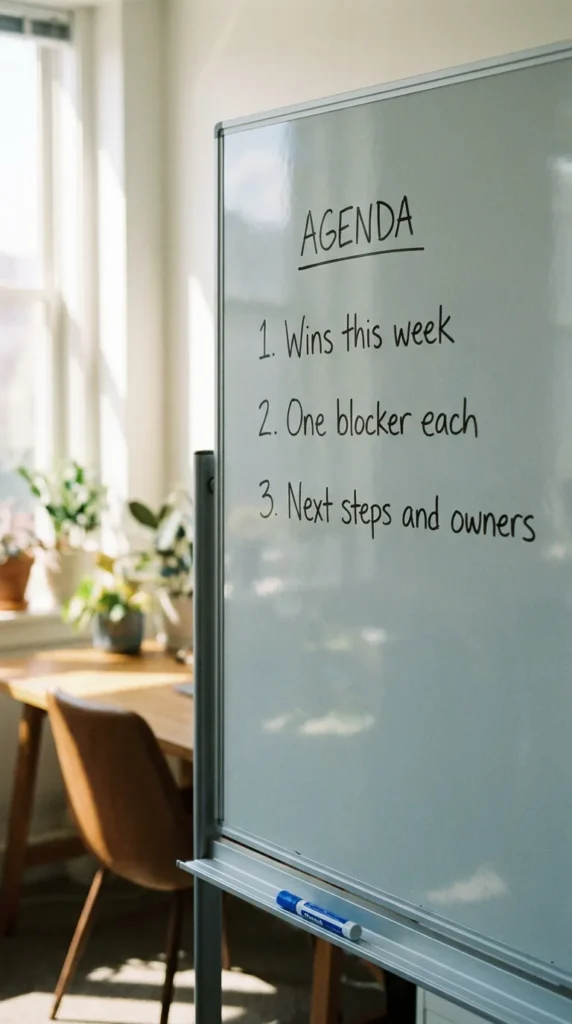
Photo of a glass whiteboard in a bright small office, neat handwritten marker text: title "AGENDA", then three lines "1. Wins this week", "2. One blocker each", "3. Next steps and owners", a blue marker resting on the ledge, soft daylight, shallow depth of field, realistic photo, vertical 9:16
Why it works: Numbered lines in quotes give the model an exact layout to copy, so the handwriting stays readable instead of turning into scribbles.
Make it yours: Replace the three agenda lines with your own meeting topics, but keep each line under five words.
Meeting notes that actually say who does what
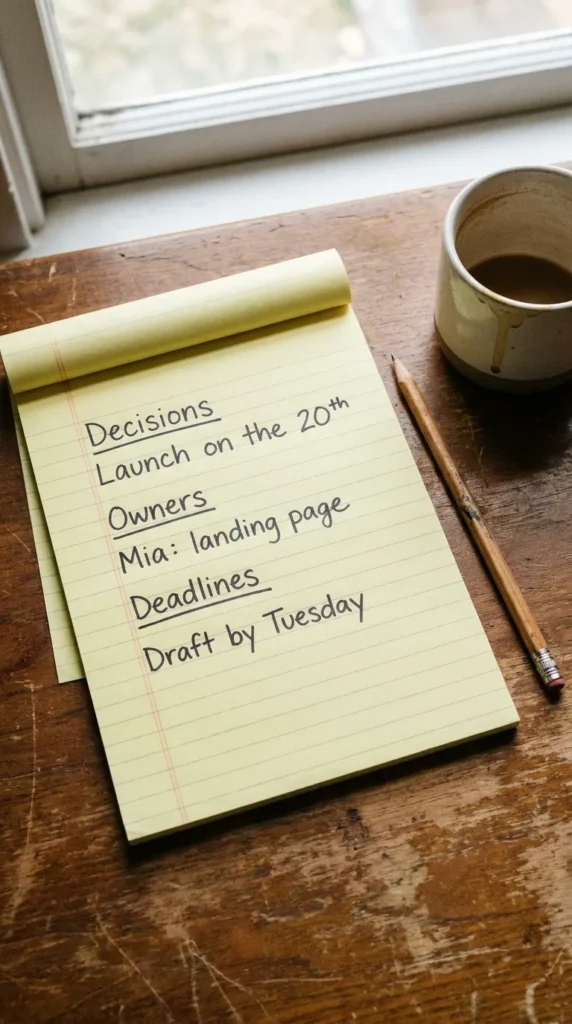
Top-down photo of a yellow legal notepad on a desk, neat handwriting with three underlined headings "Decisions", "Owners", "Deadlines", one short line under each "Launch on the 20th", "Mia: landing page", "Draft by Tuesday", a pencil and a coffee cup beside it, natural light, realistic photo, vertical 9:16
Why it works: Underlined headings plus one line under each keep the page balanced, so the model does not cram extra text in.
Make it yours: Use the three headings as a template for your next meeting, even without the image.
Checklists and priorities
A 'done' list, written in chalk at a café
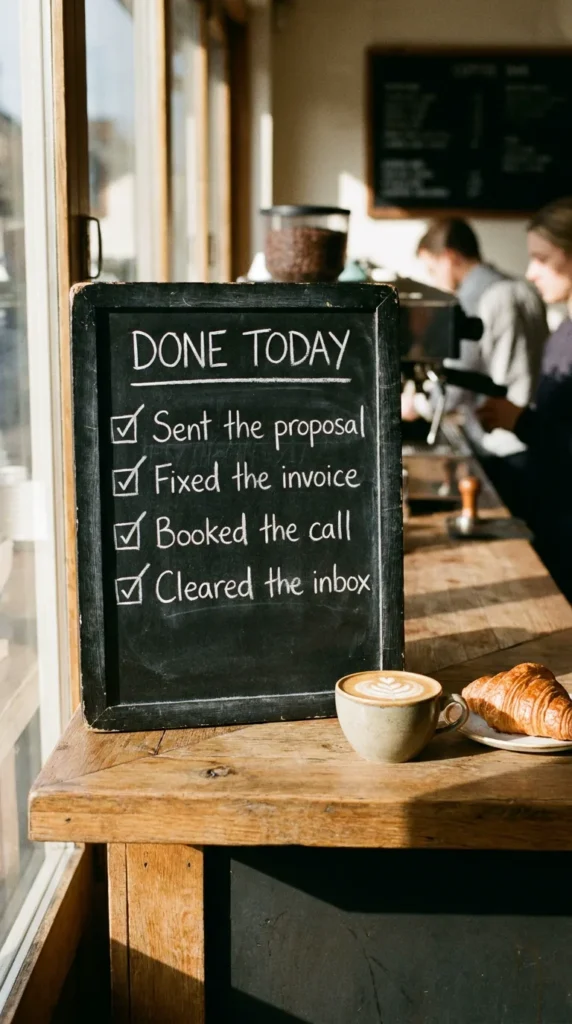
Photo of a small black chalkboard on a café counter, neat white chalk lettering: title "DONE TODAY", then four lines with check marks "Sent the proposal", "Fixed the invoice", "Booked the call", "Cleared the inbox", a coffee cup and croissant beside it, warm morning light, realistic photo, vertical 9:16
Why it works: Short past-tense lines are easy for the model to spell correctly, and check marks add a visual cue that the list is finished.
Make it yours: Write four things you actually finished this week. It doubles as a good end-of-week habit.
Your priorities as three labeled jars
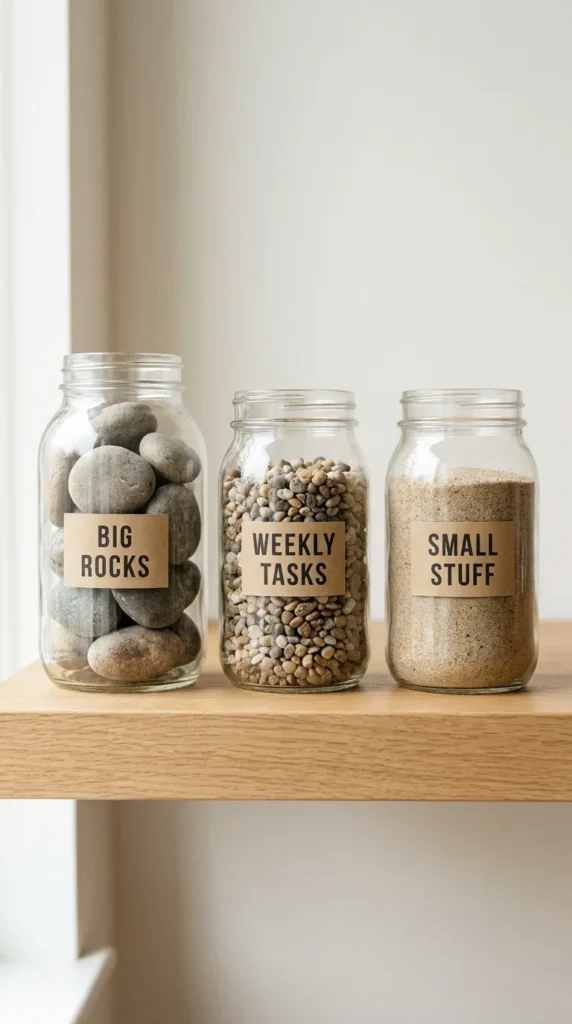
Clean studio product photo of three glass jars on a light wooden shelf: the first full of large stones labeled "BIG ROCKS", the second full of pebbles labeled "WEEKLY TASKS", the third full of sand labeled "SMALL STUFF", kraft paper labels with neat black print, soft window light, minimal background, vertical 9:16
Why it works: Labels on physical objects are one of the most reliable ways to get readable text, because each label holds only two words.
Make it yours: Rename the labels to your three priority levels, or turn them into budget categories.
Team rules and reminders
Team chores on a fridge, in magnetic letters
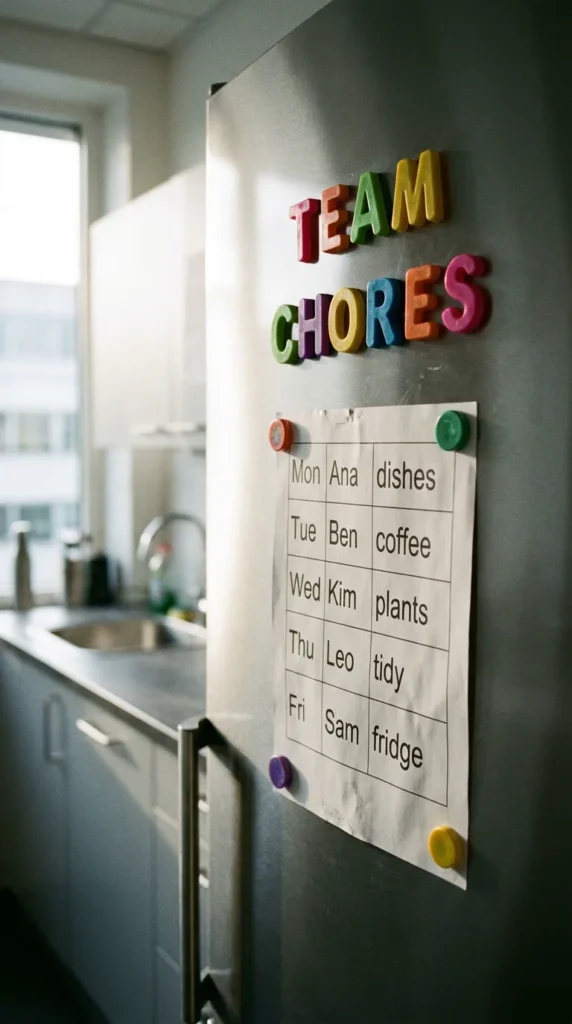
Photo of an office kitchen fridge door with colorful magnetic letters spelling "TEAM CHORES", below it a printed weekly grid with names and tasks "Mon Ana dishes", "Tue Ben coffee", "Wed Kim plants", held by small magnets, bright natural light, realistic photo, vertical 9:16
Why it works: Magnetic letters force big, separate characters, which keeps the headline crisp even when the smaller text is busier.
Make it yours: Use it for anything shared: an on-call rota, a reading list or a family schedule.
A 'do not disturb' focus hour, in neon
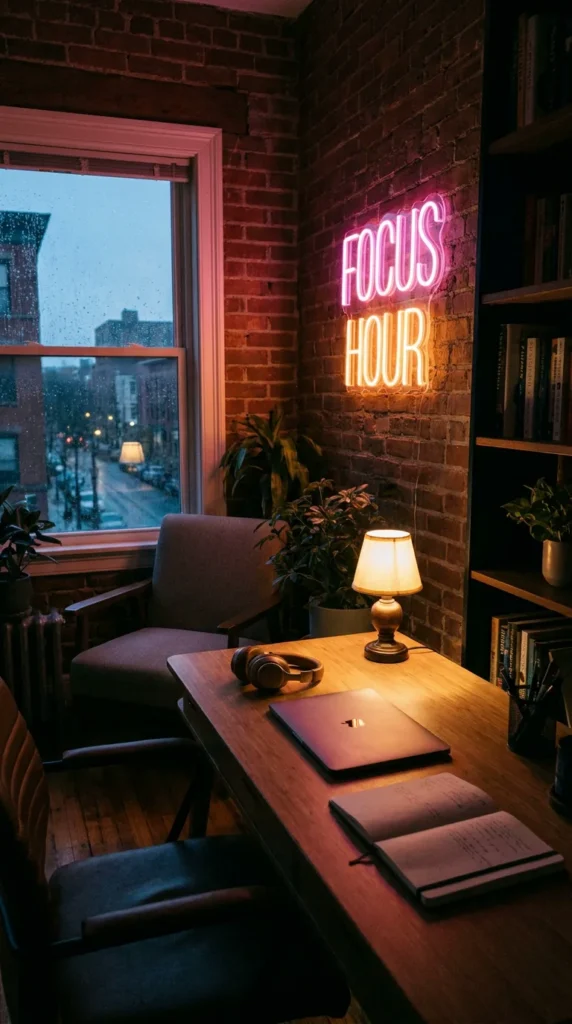
Photo of a cozy home office at dusk, a glowing neon sign on the wall reading "FOCUS HOUR", below it a tidy desk with a closed laptop, headphones and a notebook, a small table lamp, moody warm and pink light, realistic photo, vertical 9:16
Why it works: Neon signs are short by nature, and short text is the easiest kind for image models to get exactly right.
Make it yours: Try your own two-word rule, for example "NO MEETINGS" or "DEEP WORK".
A sign for a small business
A hand-painted shop sign for your small business
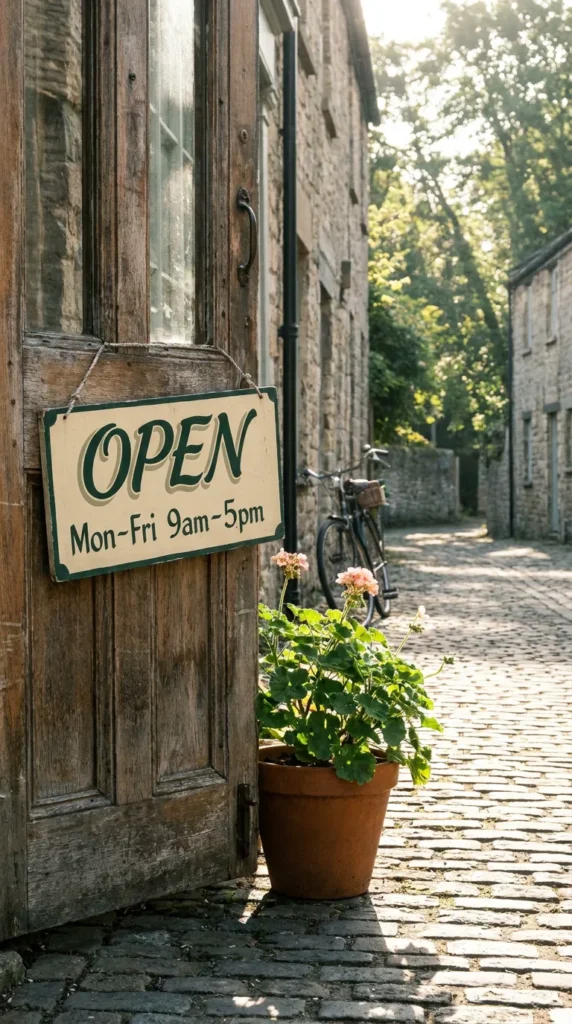
Photo of a wooden shop door with a hand-painted sign in cream and dark green, text "OPEN" in large letters and below "Mon–Fri 9am–5pm", a potted plant beside the door, morning sunlight on a quiet street, realistic photo, vertical 9:16
Why it works: Asking for a specific paint style and two colors makes the lettering look crafted instead of printed.
Make it yours: Put in your real opening hours and use the image on a social post or a website banner.
Where to generate these images
We used Nano Banana Pro through CinAI. Google also offers the model in the Gemini app and to developers through its API. Other image generators can follow the same prompts, but their accuracy with text varies, so treat the prompts as a starting point and check the output.
Before an AI image goes into your deck
- Proofread every word. A single wrong letter on a slide is more noticeable than a slightly odd background.
- Do not present it as a real photo of your office, team or product. Label it as AI-generated if your company or audience expects that.
- Keep the prompt with the file. When you need a matching image next week, the same prompt with new words keeps the style consistent.
Frequently asked questions
Can AI images include readable text?
Yes. Newer models such as Nano Banana Pro are much better at it: in a separate test, every word on cards of up to about 40 words came out correct. Layout and styling can still drift, so proofread every image before you present it.
What aspect ratio should I use for slides?
Most slide templates are 16:9, so end your prompt with "wide 16:9". The examples in this article are vertical because we also use them in short videos.
Why does the same prompt give a different image each time?
Image models create a new image on every run. Wording, layout and lighting can change. Run a prompt two or three times and keep the best result.